Free Download
Search Everything. From Anywhere.
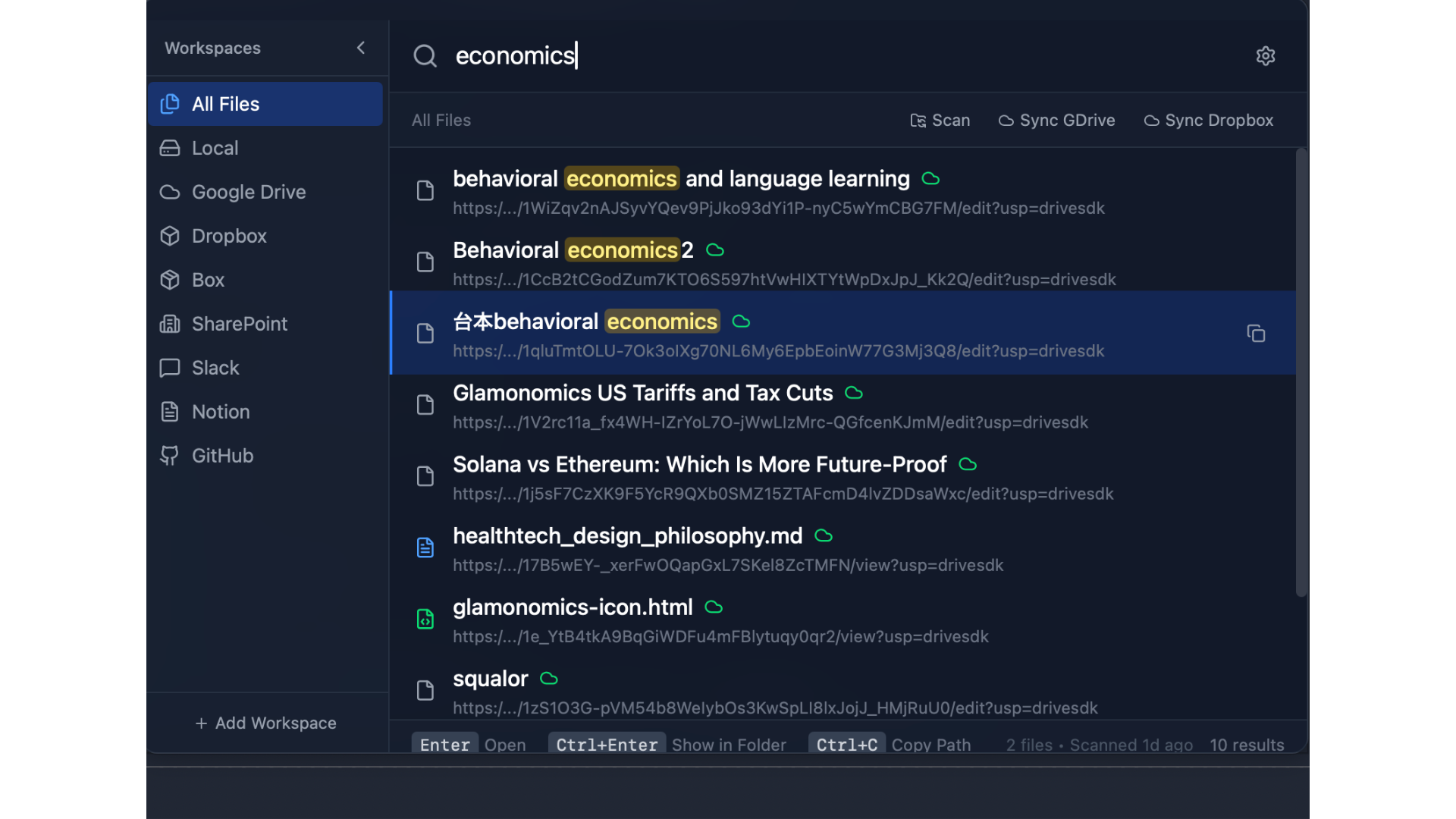
A lightning-fast desktop app that finds any file across your local drives and cloud storage with a single keyboard shortcut.
OmniFile is a Desktop App
OmniFile runs on Mac and Windows. Please visit this page from your computer to download.
Open this URL on your PC:
omnifile.app/downloadWindows
Version 0.1.1
System Requirements
- Windows 10 or later (64-bit)
- 4 GB RAM minimum
- 100 MB disk space
macOS
Version 0.1.1
Download for macOSSystem Requirements
- macOS 11 (Big Sur) or later
- Apple Silicon or Intel Mac
- 100 MB disk space
OmniFile indexes your files locally for instant search. Connect Google Drive, Dropbox, Box, SharePoint, and Slack to search everything from one place. Your data never leaves your device.

Instant Search
Find files in milliseconds with full-text search powered by Tantivy
Local + Cloud
Search local files, Google Drive, Dropbox, Box, SharePoint, and Slack
Privacy-First
All indexing happens on your device. No data uploaded to any server
What's Included?
Free Version
- Local file search
- Basic keyboard shortcuts
- File preview
- Quick actions (open, reveal)
Pro Version
- Everything in Free
- Google Drive integration
- Custom workspaces & filters
- Lifetime updates
- Priority support
Upgrade to Pro
Unlock cloud integrations, custom workspaces, and lifetime updates.
$129
Get Pro License